- Product Upfront AI
- Posts
- 🎮 YouTube Just Broke Game Development (And Nobody Noticed)
🎮 YouTube Just Broke Game Development (And Nobody Noticed)
How creators are building games in minutes without writing a single line of code

Amit Arora
December 24, 2025
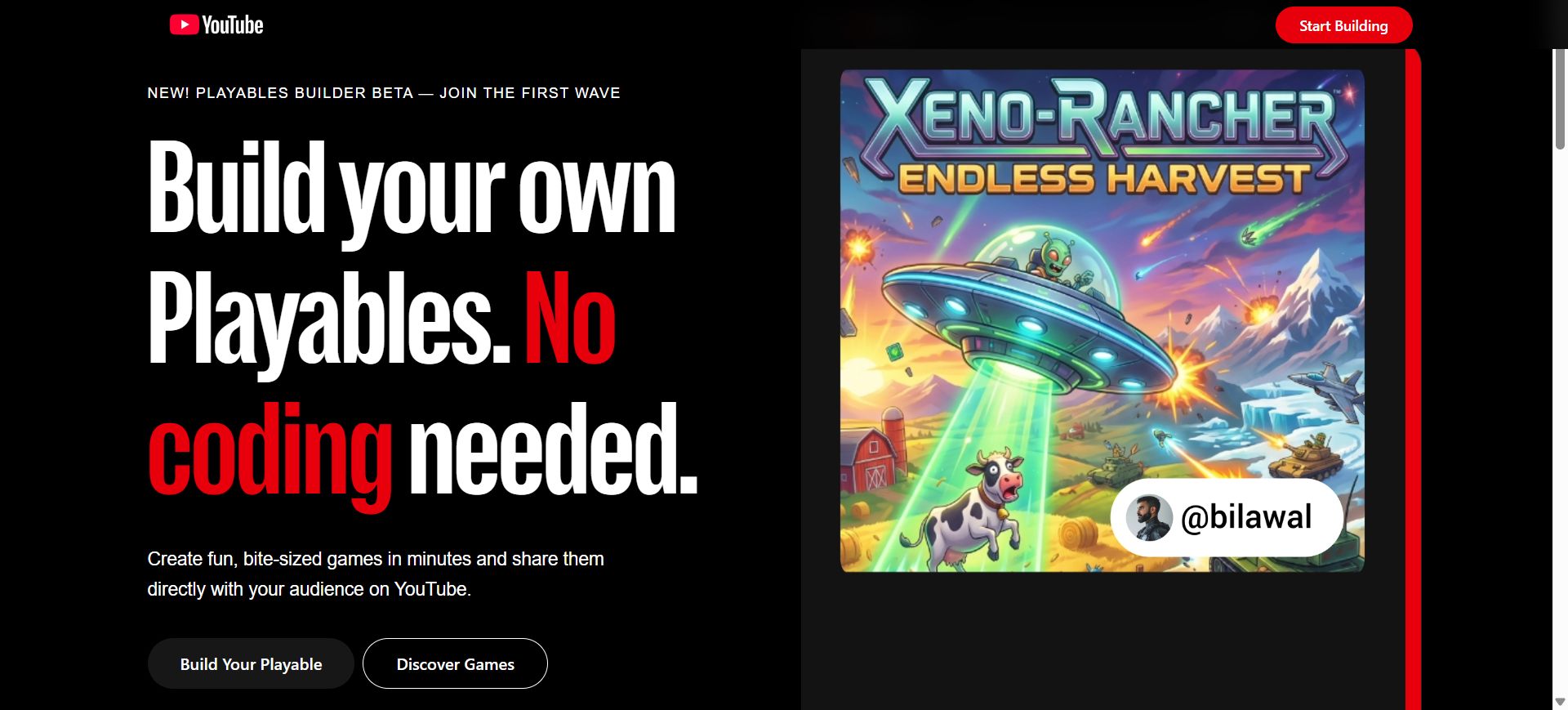
"I just made a fully playable game in 23 minutes. No coding. No game engine. Just YouTube."
That's what I saw on my feed Yesterday morning.
I was drinking coffee, scrolling mindlessly, when this creator casually drops a video showing a block-climbing game they built. On YouTube. Using nothing but a text prompt.
My first reaction? "Yeah right, another AI hype video."
My second reaction? "Wait... people are actually PLAYING it in the comments section?"
So I clicked. And then I spent the next 6 hours spiraling down a rabbit hole that genuinely blew my mind.
Here's what I discovered:
YouTube dropped something called Playables Builder on December 16th. And nobody's talking about it.
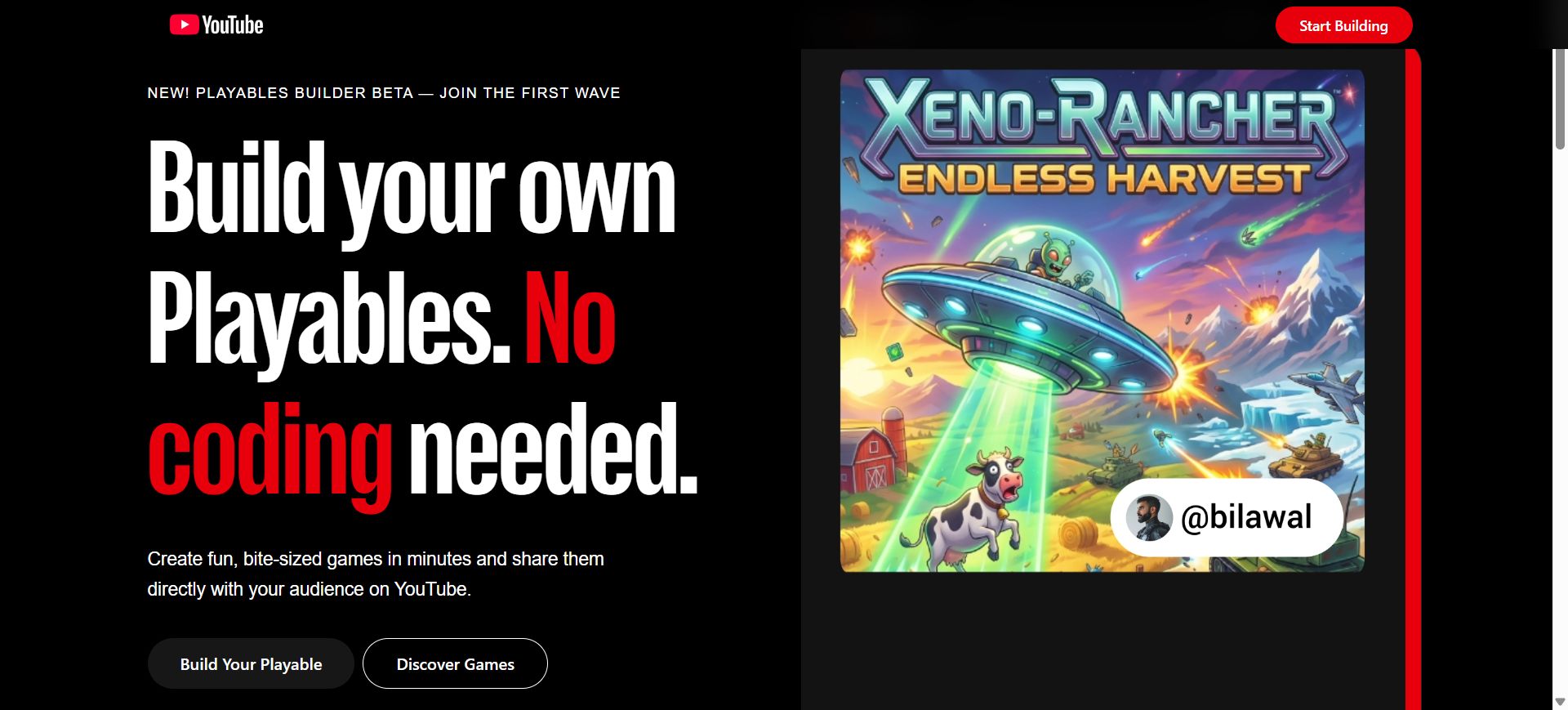
Not the tech press. Not game dev Twitter. Nobody.
But this thing is quietly revolutionising who gets to make games.
We're talking about:
Type "make me a platformer game" → get a working game in minutes
Upload an image of your game idea → AI builds it for you
Show a video of gameplay you like → it recreates the mechanics
Zero coding. Zero Unity. Zero Unreal Engine.
The games aren't just demos. They're actually playable, shareable, and embedded directly in YouTube.
And here's the part that keeps me up at night: Early beta creators are building games faster than I can write this newsletter.
Today I'm sharing everything I learned. What this tool actually does. Why YouTube built it. How it works. And most importantly, how you can get access while there's still an early adopter advantage.
Fair warning: If you've been putting off learning game development because it seemed too hard, this might make you angry at how easy it just became.
🎮 So What Even Is Playables Builder?
Okay, let me explain this like I'm talking to myself (because I was just as confused).
You know how you watch YouTube videos, right? Just scroll, click, watch.
Now imagine this: You're watching a gaming video. You finish it. And right there, below the video, there's a "Play" button.
You tap it. The game starts. No app download. No leaving YouTube. No "sign up for our platform."
You just... play. Right there. On YouTube.
That's a Playable.
And Playables Builder is the tool that lets creators make these games.
Here's the part that made my jaw drop:
You don't need to know how to code. At all.
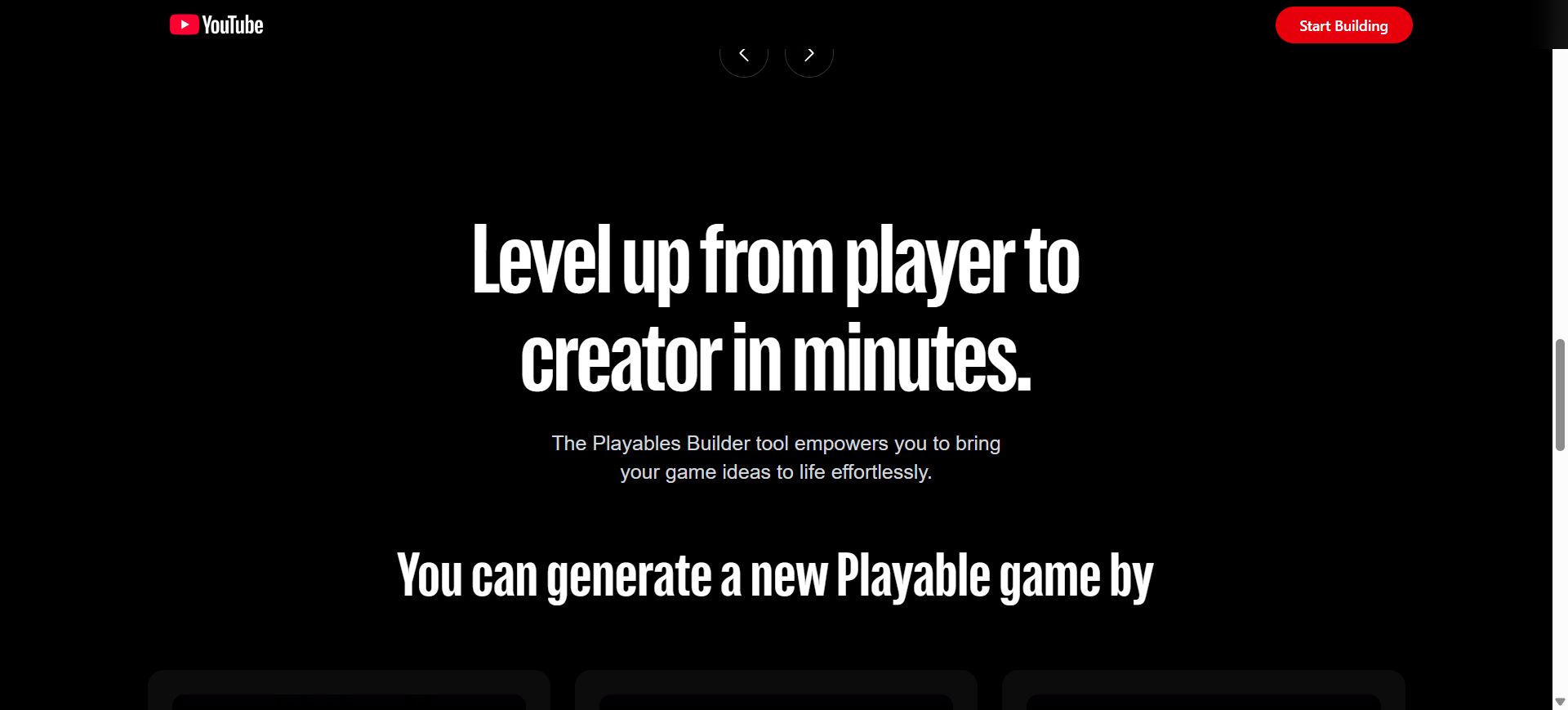
You just:
Type what game you want (or upload an image/video of your idea)
Google's Gemini 3 AI builds the entire game for you
Test it in your browser
Publish it to your YouTube channel
That's it. The whole process takes minutes to hours instead of weeks or months.
I tested this myself yesterday. Typed "Create a simple maze game where I collect coins and avoid enemies."
17 minutes later, I had a working game.
Not a prototype. Not a broken demo. An actual, playable game that I could share with anyone.
📊 The Numbers That Made Me Sit Up Straight
Let me show you why this isn't just a "cool feature."
YouTube's User Base:
2 billion monthly active users
That's 2 billion people who could play your game without downloading anything
For context, the Nintendo Switch has sold 140 million units total
The Gaming Market Reality:
Netflix launched gaming in 2022 and now has 80 million+ gamers
Amazon is betting billions on Luna (cloud gaming)
YouTube just entered the race with the biggest built-in audience on earth
What Early Creators Built:
Sambucha: Block-climbing game
AyChristeneGames: Puzzle game
Mogswamp: Underground diamond mining game
JuniperDev: Side-scrolling action game
Gohar Khan: Educational "Study Zone" quiz game
All of them. Built in the beta. By creators with zero game development backgrounds.
And here's what kills me: YouTube launched this 10 days ago, and most creators still don't know it exists.
🧠 How Does This Actually Work? (The Simple Version)
I'm gonna break this down the way I wish someone had explained it to me:
Step 1: You Give It An Idea
Three ways to do this:
Option A - Type It: "Make a fast-paced platformer where I jump over obstacles and collect stars"
Option B - Show It: Upload a screenshot or concept art of what you're imagining
Option C - Record It: Screen record gameplay from another game that has mechanics you like
That's your input. Simple descriptions. No technical jargon required.
Step 2: Gemini 3 Does The Magic
This is where it gets wild.
Google's Gemini 3 (their newest, most powerful AI) looks at your prompt and:
Figure out what game mechanics you want
Generates all the code (HTML5/JavaScript)
Creates or suggests game assets (graphics, sounds, UI)
Optimises it to run smoothly on mobile and desktop
Handles all the technical stuff you'd normally spend weeks learning
The model doesn't just generate code. It generates playable, polished experiences.
I compared this to trying to build games with ChatGPT earlier this year. Night and day difference.
ChatGPT would give me broken code that needed 50 rounds of debugging.
Gemini 3? First try worked. Out of the box.
Step 3: Test and Publish
The game opens in your browser instantly. You play it. If something feels off, you just... tell the AI to fix it.
"Make the jumps easier"
"Add more enemies"
"Change the background colour to blue"
Each adjustment takes seconds.
When you're happy with it, you click "Publish" and it goes live on your YouTube channel.
Done. That's the whole process.
🤔 But Why Did YouTube Build This?
This is the part where everything clicked for me.
YouTube isn't trying to become a game company. They're way smarter than that.
Here's what they're actually doing:
Problem #1: Keeping You On The Platform Longer
Right now, you are watching a video. It ends. You either:
Watch another video
Or leave YouTube
With Playables, there's a third option:
Play a quick game, then watch another video
It's an engagement loop. Games = more time on platform = more ads YouTube can show you.
Netflix figured this out in 2022. Their gaming users have way lower churn rates than non-gamers.
Problem #2: Empowering Creators (Their Real Moat)
YouTube's advantage isn't technology. It's creators.
2 billion users come to YouTube because of creators, not because of YouTube itself.
By giving creators the power to make games:
More unique content gets created
Creators can engage audiences in new ways
YouTube becomes stickier than competitors
A creator with 500K subscribers can now build a game for their community without hiring a dev team.
That's insane when you think about it.
Problem #3: The 2026 Gaming Arms Race
Here's what's happening behind the scenes:
Netflix: Hiring game studios, building 80+ games, console focus
Amazon: Betting on cloud gaming (Luna), streaming tech
YouTube: Letting creators build lightweight games that live inside the world's biggest video platform
YouTube's play is brilliant because they don't need to compete on AAA quality.
They're building the "5-minute game between videos" layer.
Casual. Discovery-driven. Creator-made.
And they have 2 billion monthly users who are already there.
💰 The Money Question (And Why It's Complicated)
Here's where everyone asks: "Can I make money from this?"
Short answer: Not directly from the games yet.
Longer answer: Yes, but differently than you think.
How You CAN'T Make Money (Right Now):
No ad revenue inside the games themselves
No in-game purchases yet
No direct monetisation from gameplay
How You CAN Make Money (Right Now):
1. Channel Growth Strategy
Build games for your niche
Create YouTube Shorts showing the game
Drive traffic to your channel
Monetise through regular YouTube ads, memberships, Super Thanks
2. Audience Engagement
Use games to grow your subscriber base faster
Engaged subscribers = higher watch time = more ad revenue
Games = differentiation from other creators
3. Brand Partnerships
Once your game gets traction, brands will pay for integrations
Sponsored games or in-game product placement
Same model as sponsored videos but in game format
How You WILL Make Money (2026+):
YouTube's pattern is clear from Shorts and Premium:
Launch a feature for free to drive adoption
Wait until engagement proves out
Introduce revenue sharing (usually 45% to creators)
I'd bet money that by late 2026, YouTube will introduce:
In-game ad insertion
Creator revenue share (probably 45%, their standard)
Performance-based earnings tied to gameplay time
The early adopter advantage: Be building games NOW, get the engagement data, then capitalise when monetization launches.
It's the exact playbook early Shorts creators used.
🚀 How To Actually Get Access (Step-by-Step)
Okay, here's the practical part.
Playables Builder is in closed beta. That means you can't just sign up and start building.
But here's how you get in:
Eligibility Requirements:
✅ Active YouTube channel
✅ Located in US, Canada, UK, or Australia (for now)
✅ Valid email address
✅ YouTube's approval
Application Process:
Step 1: Go to playablesbuilder.youtube.com
Step 2: Fill out the application form with:
Your channel URL
Email address
Brief description of what games you want to build
Step 3: Wait for the approval email from YouTube
(They're manually reviewing to manage quality and prevent spam)
Step 4: Once approved, you'll get login credentials and access to the builder
Pro Tips for Getting Approved:
1. Have an active channel - Post videos regularly, even if a small audience
2. Be specific in your application - Don't say "I want to make games." Say "I run a cooking channel and want to build a recipe memory matching game for my 50K subscribers."
3. Apply NOW - Early cohorts get preferential treatment, more support, and first crack at future monetisation features
4. Show creator credibility - If you've built an audience anywhere (Twitter, TikTok, Instagram), mention it
🎁 Before You Go...
If you made it this far, you're already ahead of 99% of creators.
Most people will read about Playables Builder in 6 months and think, "damn, I should've applied earlier."
Don't be that person.
Here's what I want you to do:
Reply to this email with: "Applied" or "Thinking about it"
If you say "Applied," I'll send you my prompt templates and game idea framework.
If you say "Thinking about it," I'll follow up in 2 weeks, and we'll see if you're still thinking or if someone else took your spot.
Quick resource links:
Application: playablesbuilder.youtube.com
Gemini 3 info: blog.google/products/gemini/gemini-3/
YouTube Playables tab: youtube.com/playables
Join the conversation:
Tweet me your game ideas: @productupfront
Tag me when you get approved
Share your first game, I'll play it and give feedback
If you found this helpful, forward it to a creator friend who'd benefit.
This is the kind of opportunity that compounds. Early wins lead to bigger wins.
The platform is new. The competition is low. The tools are free.
All that's missing is you actually doing it.
Reply